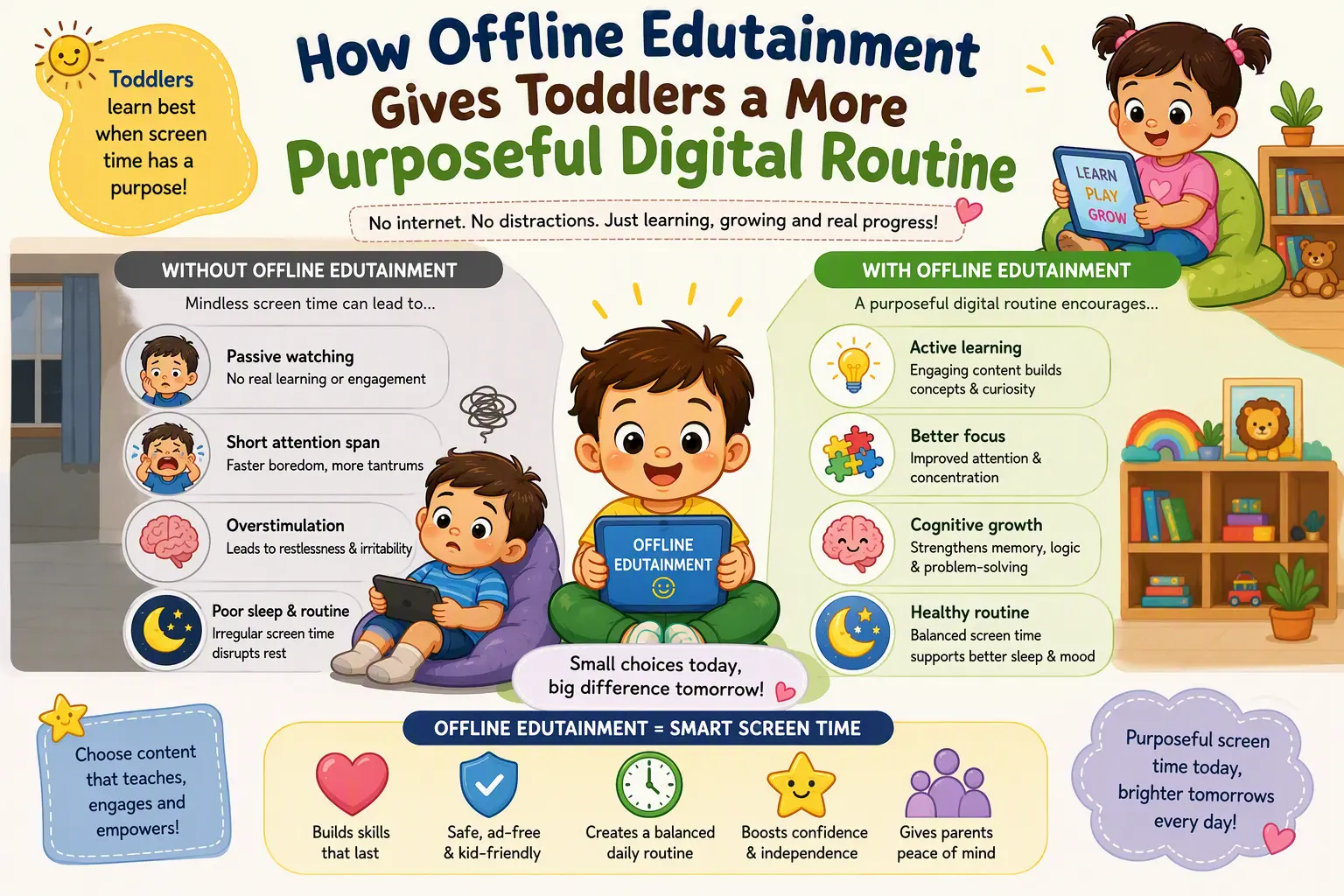
For children ages 2-4, the goal is not to fill every quiet moment with a screen. It is to make the occasional screen moment clear, calm, and worthwhile. This guide shows how an offline, ad-free edutainment routine can support early learning at home while keeping the experience simple enough for young children and reassuring for parents.
Young children need a clear purpose for screen time
Toddlers do not yet separate an educational activity from a distracting one just because an app is placed in a “kids” category. They respond to what is directly in front of them: moving pictures, sounds, buttons, rewards, and repeated cues to keep tapping. When an activity has too many competing signals, a child may spend more energy reacting than learning.
A purposeful digital routine begins with one question: what should my child be able to notice, practise, or enjoy during this session? For a two-year-old, that might mean matching a circle to another circle, hearing the name of a colour, or following a short instruction. For a four-year-old, it could mean sorting objects, listening for beginning sounds, or identifying a simple pattern.
Apps designed around a small number of age-appropriate actions make it easier for children to connect what they see with what they are learning. Eddie The Educated Emu can be a friendly guide in that process: a familiar character who helps turn basic concepts into playful, repeatable activities instead of a stream of unrelated entertainment.
Offline access removes interruptions that do not belong in play
An internet connection brings useful things into a household, but it also brings interruptions that preschoolers are not equipped to understand. Notifications, external links, promoted content, autoplay prompts, and sudden changes in what appears on screen can break a child’s attention and make a parent feel they must supervise every second.
An offline educational app creates a more contained experience. Once it is downloaded, the activity can be used in places where connectivity is unreliable or where families prefer not to be online at all: in a waiting room, on a flight, during travel, or at home with Wi-Fi switched off. The child still has access to learning games and familiar characters, but the session does not depend on a feed, a recommendation system, or an outside connection.
- Fewer surprises: the child stays within the activities selected for them.
- More reliable routines: learning can continue during travel or internet outages.
- Less parent troubleshooting: there are no pages to reload or links to manage.
- More intentional device use: a tablet becomes a tool for a chosen activity, not an open doorway to endless content.
Ad-free design protects a child’s attention
Preschool children are naturally curious, which is wonderful for learning but makes them especially likely to tap bright, animated, or noisy elements. Advertising is built to draw attention, not to support a child’s developmental needs. Even when an ad appears harmless, it can interrupt an activity, create confusion, and teach children that every pause is an invitation to ask for something new.
Ad-free edutainment keeps the learning path consistent. A child who is matching shapes can finish matching shapes. A child who is practising colours can hear the next colour rather than being pulled away by a new character, product, or video. This consistency helps young learners build confidence because they can predict what happens next and focus on the task at hand.
For parents, the value is practical as well as educational. An ad-free experience means fewer urgent questions about unfamiliar images, fewer accidental taps, and fewer moments when a calm activity suddenly becomes a negotiation. The device remains part of the family routine rather than becoming the loudest influence in the room.
Build a short, repeatable learning rhythm
For ages 2-4, brief and repeated practice is often more useful than a long session. A child may learn more from ten focused minutes of identifying shapes three times a week than from an hour of rapidly changing activities. The best routine is one that fits naturally into your day and ends before your child becomes overtired or frustrated.
Try pairing a short offline app session with a real-world activity. The connection helps children carry a concept beyond the screen and gives parents an easy way to see what their child understood.
- Choose one topic. Pick shapes, colours, counting, animals, or simple problem-solving rather than jumping between many skills.
- Set a predictable time. Ten to fifteen minutes after breakfast, before a journey, or while dinner is being prepared can work well.
- Talk about one thing together. Ask, “Can you find a red object in this room?” after a colour activity, or look for circles on a walk after a shape game.
- End with a transition. Put the device away and move to drawing, blocks, a book, or a snack so the screen session has a clear finish.
Make the device part of a wider learning environment
Edutainment works best when it complements hands-on play, conversation, movement, and reading. A digital shape-matching activity can lead into building shapes with craft sticks. An animal game can lead into a library book or a visit to a park. A counting activity can continue when setting out spoons at the table.
Parents do not need to turn every game into a lesson. Simply naming what your child is already doing is powerful: “You found the bigger one,” “That is a triangle,” or “You remembered where it goes.” These small responses help children connect language with experience and show them that learning is something they can do in many places.
BrightSHAPES is built around this balanced approach: safe, offline fun that gives young children a positive starting point for digital learning without asking screens to do everything. Eddie The Educated Emu brings a cheerful sense of play, while the parent remains in control of when, where, and how the app fits into family life.
Choose one calm, offline activity for your child this week, keep the session short, and follow it with a matching real-world game. That small routine can turn screen time into a dependable moment of curiosity, confidence, and connection.