How Calm, Ad-Free Screen Play Can Spark Better Conversations With Young Children
A young child can learn more from a screen when an adult has room to join the experience. A calm, ad-free activity makes it easier to notice what a child is trying to say, ask a question and follow their answer. Here is how to use digital play as a starting point for conversation-not a substitute for it.
Make the screen something you share
Young children learn language through exchanges with people: they point, speak or make a sound, and someone responds. Harvard University’s Center on the Developing Child calls these back-and-forth interactions “serve and return.” A child’s comment about an emu on screen can become one such exchange when an adult listens and replies: “You spotted Eddy’s big feet. What do you think he uses them for?”
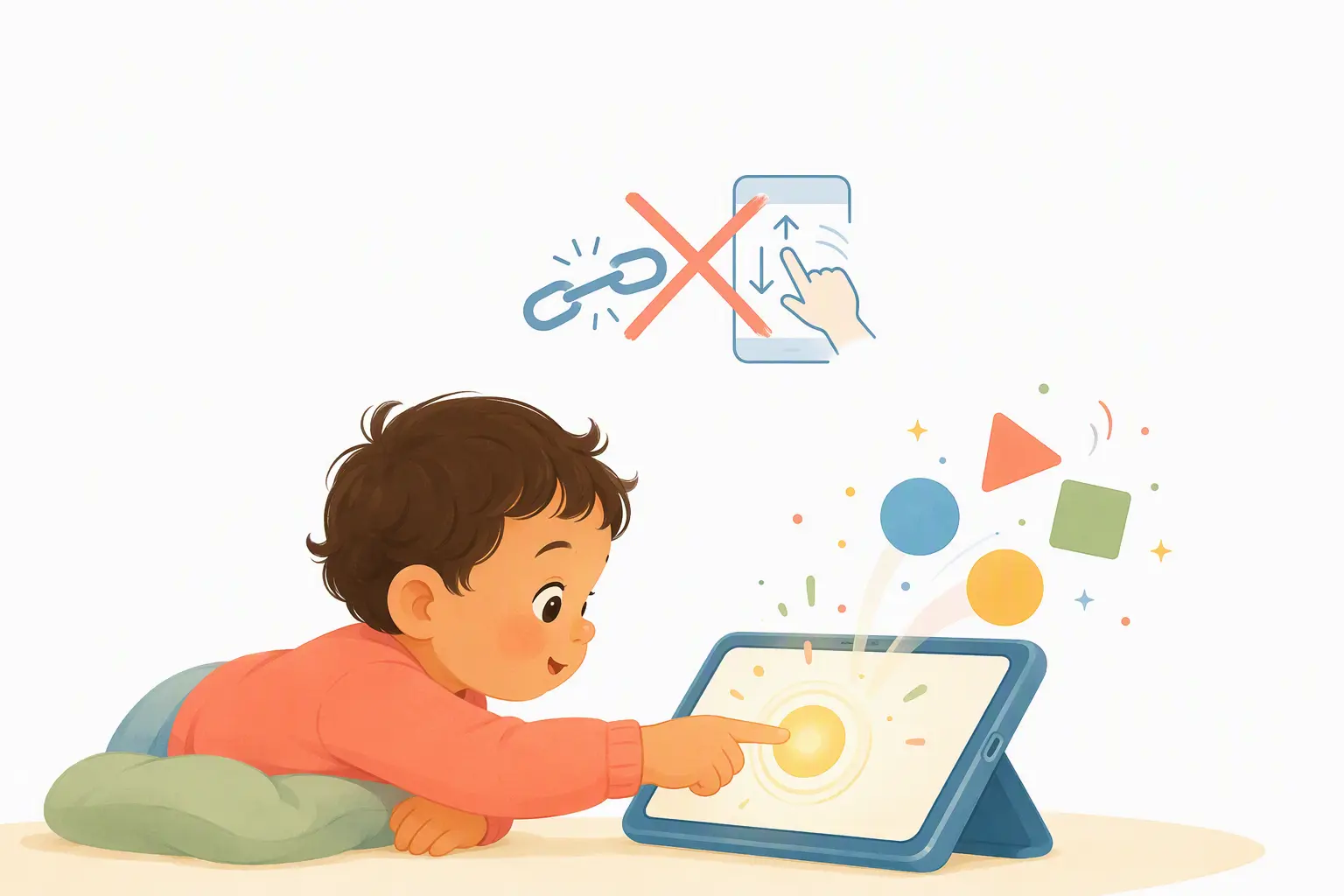
Ads, pop-ups and rapid changes of activity can interrupt that moment. An ad-free, unhurried activity gives a caregiver time to see what caught the child’s interest before the screen moves on. You do not need to narrate every tap. Sit close enough to notice an expression, a point or a question, then respond to that particular invitation.
Ask questions that leave room for an answer
Questions work best when a child can think rather than race to provide the “right” response. During a sorting activity, try “How did you decide those go together?” During a story, ask “What do you think Eddy might do next?” If the child says something unexpected, follow it: “You think he looks worried. What makes you say that?” These exchanges practice explaining, predicting and listening, even when the child’s answer is only a few words.
For children who are not yet speaking much, offer a choice they can answer by pointing: “Is Eddy looking at the red shape or the blue one?” Then wait. A pause of several seconds gives a child time to look, gesture or find a word. If they lose interest in talking, let the play continue; conversation is an invitation, not a quiz.
Let the child lead part of the play
An adult does not have to take over to make screen use interactive. Ask the child to choose an activity, show you how it works or explain a decision. “Can you teach me what to do here?” gives a child a chance to communicate and feel capable. When a task is difficult, offer a small hint-“Which piece has the same shape?”-rather than immediately making the choice for them.
This approach also helps a caregiver judge whether an activity fits the child. A child who wants to repeat a simple task may be enjoying a chance to master it. A child who keeps asking for help may need a different level of challenge or a break. The American Academy of Pediatrics advises parents of young children to choose high-quality media and use it together with them, helping children understand what they see. Shared play makes that guidance practical: the adult can respond to the child, not just supervise the device.
Keep digital play in proportion
Calm, ad-free design is a strong choice when a developing child uses a screen, but no app is the best option for every moment. Children also need sleep, movement, hands-on play and time talking with people without a device present. If a child is tired or wants to play face-to-face, put the screen away.
When screen time does fit, choose one offline activity you can explore together. With Eddy the Edu-EMU, that might mean asking your child to show you a favourite part, waiting for their explanation and letting their answer shape what you say next. The value is not a longer session or a higher score; it is the opportunity for a genuine exchange while you play.
Sources: Harvard University Center on the Developing Child, “Serve and Return”; American Academy of Pediatrics, “Media and Young Minds”.
Next time your child opens an activity, sit alongside them for a few minutes and follow one thing they point out. Their answer can guide the conversation.

















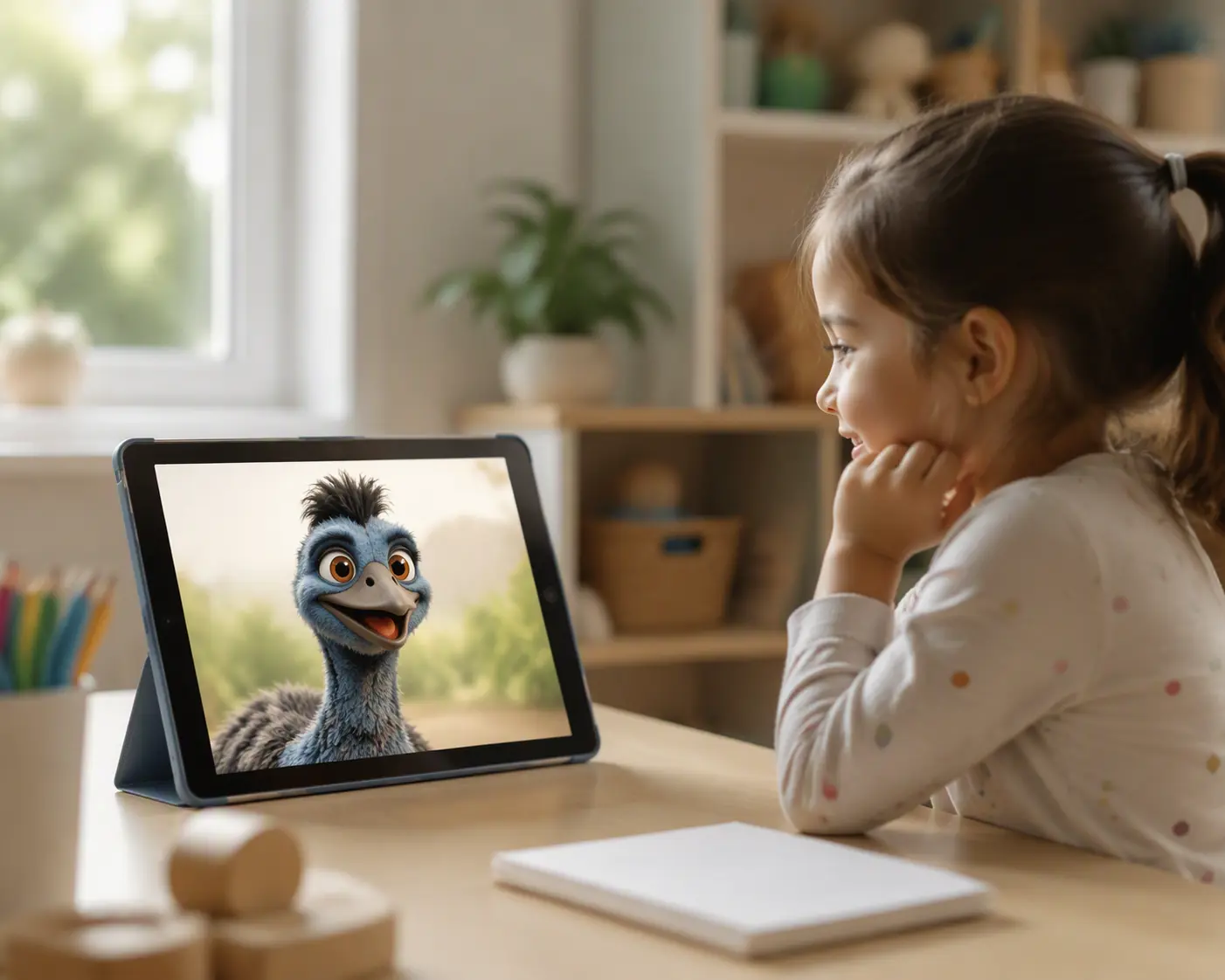

 Young children do not need a noisy stream of choices to learn well. They need a calm, predictable place where they can explore at their own pace, repeat what interests them, and return to a trusted grown-up when they are ready. A digital sanctuary is not about making screens the centre of the day; it is about making the moments when a child uses a device feel simple, safe, and purposeful.
 Children learn best when their attention is protected. An ad-free learning experience removes flashing banners, surprise videos, pop-ups, and persuasive messages so children can stay with the activity in front of them. At BrightSHAPES, Eddie the Educated Emu keeps the focus where it belongs: on calm, playful, offline learning.