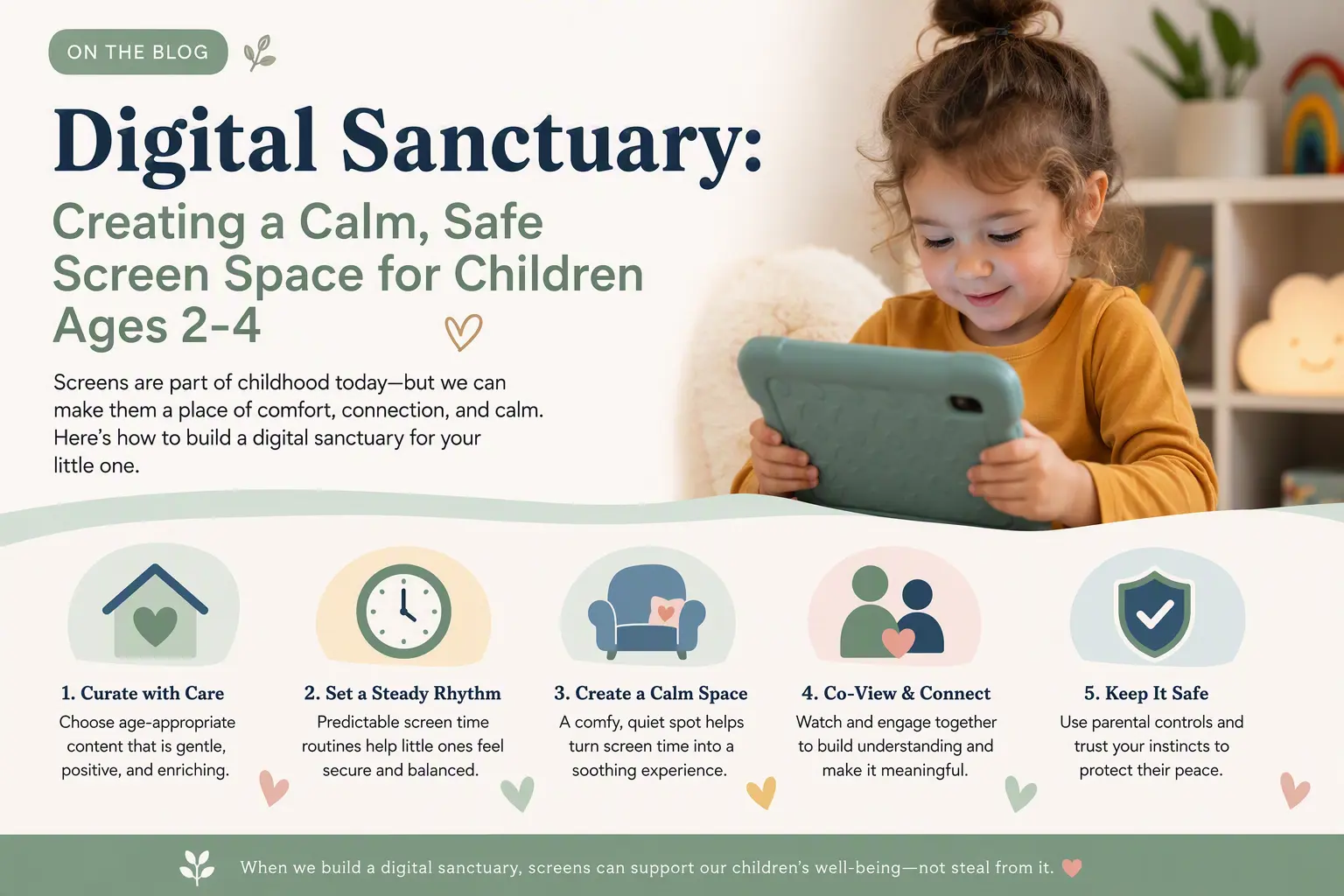
 Young children do not need a noisy stream of choices to learn well. They need a calm, predictable place where they can explore at their own pace, repeat what interests them, and return to a trusted grown-up when they are ready. A digital sanctuary is not about making screens the centre of the day; it is about making the moments when a child uses a device feel simple, safe, and purposeful.
Why ages 2-4 need a calmer digital environment
Between two and four, children are building attention, language, memory, and emotional regulation. They learn through repetition and through connecting words, pictures, sounds, and real experiences. A busy screen can pull their attention in too many directions at once: bright visual effects, rapid scene changes, competing sounds, and constant prompts to tap can make it harder to settle into one activity.
A calmer app experience gives children room to notice. They can listen to a word, look at a shape, try an activity again, and feel successful without needing to rush. For a preschooler, repeating the same letter game or animal sound is not wasted time. Repetition is often how learning sticks.
Choose one clear purpose for screen time
Before handing over a device, decide what the session is for. A short, clear purpose helps adults avoid using a screen as background noise and helps children understand what comes next. The purpose might be practising colours, enjoying a story together, identifying shapes, or spending ten quiet minutes with Eddie The Educated Emu before getting dressed.
Try using simple language that matches your child’s age: “We are going to play Eddie’s shape game, then we will put the tablet away and find circles in the kitchen.” This creates a beginning and an ending. It also connects digital learning to the child’s everyday world.
- Pick one activity: a puzzle, early phonics game, story, or matching activity.
- Set a natural stopping point: one story, three rounds, or when the activity is complete.
- Follow with real-world play: draw a triangle, sort socks by colour, or look for the letter M on food packaging.
Build a predictable screen-time routine
Predictability feels reassuring to young children. Instead of offering a device whenever a child is bored, choose a regular moment when it fits your family rhythm. For example, a child might use an offline educational app for 10 to 15 minutes after breakfast while a parent prepares for the day, or for a shared activity before the afternoon nap routine.
A visual routine can be especially helpful for children who are still developing language. Place a few simple pictures on the fridge: breakfast, get dressed, Eddie time, shoes on, outside. When screen time has a visible place in the sequence, transitions are less likely to feel sudden or unfair.
Keep the device in a consistent shared space rather than making it part of bedtime or leaving it in a child’s bedroom. A kitchen table, living-room rug, or parent’s lap makes it easier to stay connected and to finish calmly when the activity ends.
Reduce clutter before your child starts
A safe digital space begins before the app opens. Children ages 2-4 are natural explorers, and a home screen full of icons, alerts, videos, and notifications invites accidental detours. Make the device easier to use by removing visual clutter and limiting what is available during a child’s session.
Use a child profile or guided-access setting where available, turn off notifications, and keep only a small selection of trusted activities within reach. Downloading chosen content in advance is useful for car journeys, waiting rooms, or visits where internet access may be unreliable. Offline play also means the experience remains focused on the activity, rather than on whatever the internet presents next.
- Put the device on silent or use headphones only when an adult can supervise volume.
- Close other apps before opening the learning activity.
- Disable autoplay and notification banners.
- Choose a comfortable brightness level and avoid using the screen in a dark room.
- Keep charging cables and accessories out of reach of young children.
Stay nearby without taking over
For this age group, the most valuable digital learning often happens with an adult nearby. You do not need to narrate every tap or turn the activity into a test. Sit close enough to notice what your child enjoys and add a gentle prompt when it helps: “Eddie found a blue star. Can you see something blue near us?” or “That puzzle was tricky. You kept trying.”
Shared attention turns a screen activity into a conversation. It also helps children transfer ideas beyond the device. If they match animal pictures with Eddie, ask what animals they have seen in books, at a farm, or on a walk. If they practise counting, count grapes, toy cars, or steps together afterwards.
Let the child lead when possible. A two-year-old may want to repeat one simple activity, while a four-year-old may be ready to explain an answer or try a new challenge. Following their pace supports confidence and keeps the experience enjoyable.
Make the ending as calm as the beginning
Stopping can be difficult when a child is deeply engaged, even with a well-chosen activity. Give a short warning that is meaningful to a preschooler: “After this last puzzle, Eddie is going to rest and we are going to wash hands for lunch.” Avoid abruptly taking the device away unless safety requires it.
A consistent closing ritual makes a difference. Your child can say goodbye to Eddie, press the home button with you, place the tablet on its charging spot, and choose the next non-screen activity. A snack, blocks, a favourite book, or outdoor time gives them something positive to move toward.
A digital sanctuary is created through thoughtful choices: a limited selection, a clear routine, a calm setting, and an adult who remains connected. Choose one quiet BrightSHAPES activity to share this week, then carry its learning into a small real-world game together.